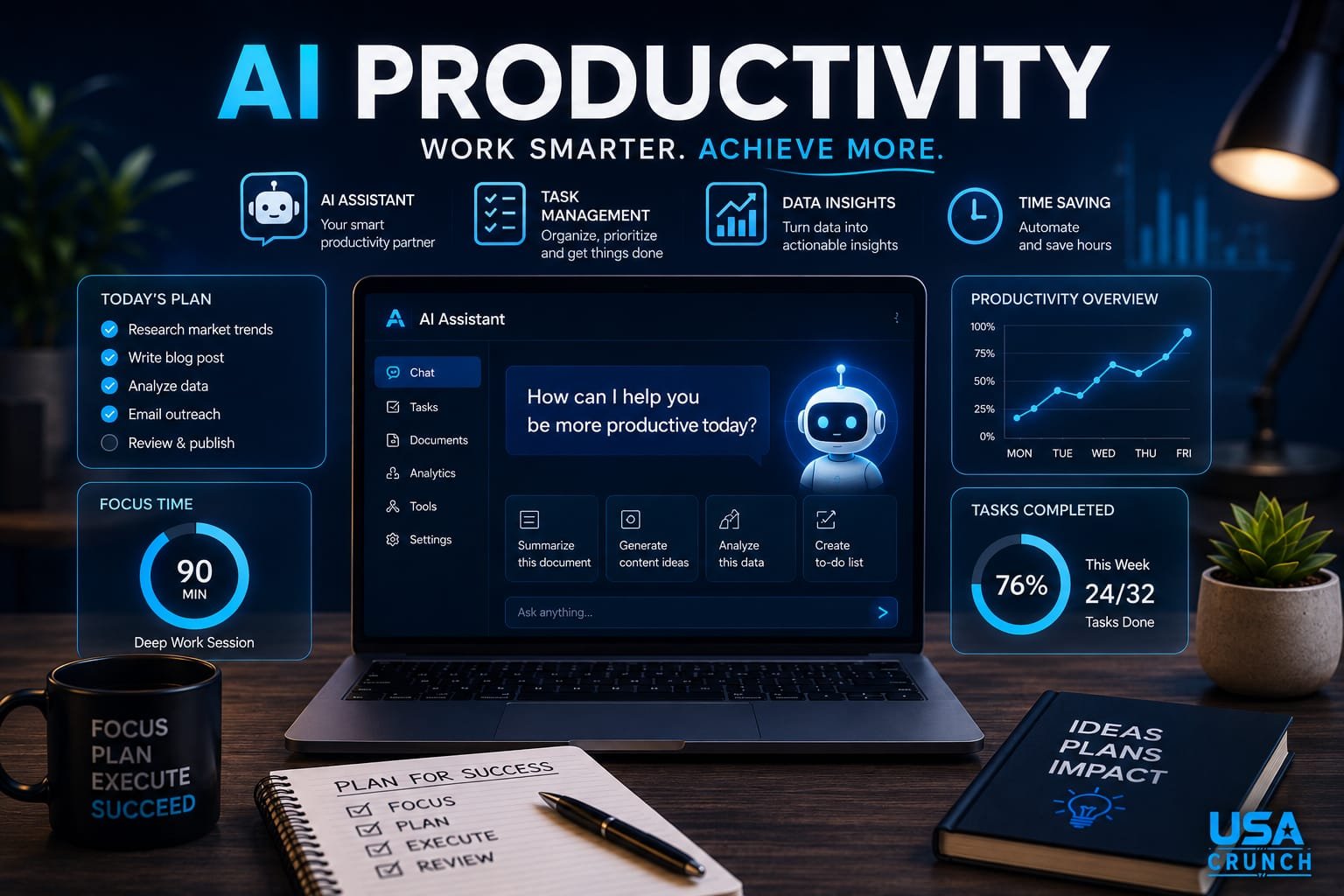
Artificial intelligence is no longer just a futuristic concept—it has become an essential part of everyday work. In 2026, AI productivity tools help professionals, entrepreneurs, students, freelancers, and businesses complete tasks faster, automate repetitive work, and make smarter decisions. Whether you’re writing emails, managing projects, analyzing data, creating presentations, or generating content, AI can dramatically improve your efficiency.
However, simply using AI isn’t enough. To truly benefit, you need the right tools, proven strategies, and practical workflows. This comprehensive guide explores the best AI productivity tools, expert tips, and actionable strategies to help you work smarter—not harder—in 2026.
What Is AI Productivity?
AI productivity refers to using artificial intelligence technologies to automate tasks, improve decision-making, enhance creativity, and save valuable time.
Instead of replacing human intelligence, AI acts as an intelligent assistant that supports your daily workflow by:
- Automating repetitive work
- Organizing information
- Generating ideas
- Improving communication
- Scheduling meetings
- Summarizing documents
- Analyzing data
- Creating reports
- Managing projects
According to research from the McKinsey Global Institute and Harvard Business Review, AI has the potential to significantly increase workplace productivity while allowing employees to focus on higher-value activities.
Why AI Productivity Matters in 2026

Businesses across nearly every industry now rely on AI to remain competitive.
Some major benefits include:
Faster Work
Tasks that once required several hours can often be completed within minutes.
Examples include:
- Writing reports
- Creating presentations
- Email drafting
- Meeting summaries
Better Decision Making
AI can quickly analyze large amounts of data and identify meaningful patterns that humans may overlook.
Improved Creativity
AI helps generate:
- Content ideas
- Marketing campaigns
- Product names
- Social media posts
- Design concepts
Reduced Errors
Automation minimizes manual mistakes in repetitive processes like data entry and document formatting.
Best AI Productivity Tools in 2026

Here are some of the most effective AI tools available today.
1. ChatGPT
One of the most versatile AI assistants for:
- Writing
- Brainstorming
- Coding
- Research
- Email drafting
- Learning new skills
- Summarizing documents
Official website:
ChatGPT
2. Microsoft Copilot
Perfect for users working inside:
- Word
- Excel
- PowerPoint
- Outlook
- Teams
It automates document creation, spreadsheet analysis, presentations, and meeting summaries.
Official website:
Microsoft Copilot
3. Google Gemini
Excellent for Google Workspace users.
Useful for:
- Gmail
- Docs
- Sheets
- Slides
- Drive
Official website:
Google Gemini
4. Notion AI
Ideal for knowledge management.
Features include:
- Note organization
- AI writing
- Task planning
- Meeting summaries
- Project documentation
Official website:
Notion AI
5. Grammarly
Beyond grammar correction, Grammarly now helps improve:
- Tone
- Clarity
- Professional writing
- AI-assisted rewriting
Official website:
Grammarly
6. Canva AI
Great for creating:
- Social media graphics
- Presentations
- Marketing materials
- Videos
Official website:
Canva
AI Productivity Tips That Actually Work

Start Small
Don’t automate everything at once.
Begin with:
- Emails
- Meeting notes
- Content drafts
- Scheduling
Learn Prompt Writing
The better your instructions, the better AI performs.
Example:
Instead of:
Write an article.
Use:
Write a 1,500-word SEO article for beginners using simple English with H2 headings and practical examples.
Always Review AI Output
AI is powerful but not perfect.
Always:
- Verify facts
- Check statistics
- Edit wording
- Add personal expertise
Combine Multiple AI Tools
Many professionals combine:
- ChatGPT for writing
- Canva for graphics
- Notion AI for planning
- Grammarly for editing
This creates a highly efficient workflow.
Use Templates
Create reusable prompts for:
- Blog posts
- Emails
- Reports
- Social media
- Customer support
Templates save significant time.
AI Productivity Strategies for Different Professionals

For Students
AI can help:
- Summarize lectures
- Explain difficult concepts
- Generate quizzes
- Create study plans
For Freelancers
AI improves:
- Proposal writing
- Client communication
- Time management
- Research
- Content creation
For Business Owners
AI assists with:
- Marketing
- Customer service
- Financial analysis
- Workflow automation
- Hiring support
For Content Creators
AI speeds up:
- Script writing
- Blog drafting
- Keyword research
- Video ideas
- Thumbnail concepts
Common AI Productivity Mistakes

Avoid these common mistakes:
Blindly Trusting AI
Always verify important information before publishing or sharing it.
Using Too Many Tools
Using several AI tools without a clear workflow can reduce efficiency. Focus on a small set that works well together.
Ignoring Data Privacy
Avoid uploading confidential business or personal information into AI tools unless you understand the provider’s privacy policies.
Skipping Human Creativity
AI should enhance your work—not replace your unique ideas, judgment, or expertise.
Building an AI Productivity Workflow
An effective daily workflow might look like this:
- Plan your day using Notion AI.
- Draft emails or documents with ChatGPT.
- Analyze spreadsheets using Microsoft Copilot.
- Design graphics in Canva.
- Proofread with Grammarly.
- Review and personalize all AI-generated work before publishing or sending.
This combination helps reduce repetitive tasks while keeping you in control of the final output.
The Future of AI Productivity

AI productivity tools continue to evolve rapidly. Emerging trends include:
- More personalized AI assistants
- Better voice-based workflows
- Smarter task automation
- AI agents that complete multi-step projects
- Improved collaboration across teams
- Enhanced security and privacy controls
- Deeper integration with everyday business software
Professionals who learn to work effectively with AI will be better positioned to adapt to future workplace changes.
Frequently Asked Questions (FAQs)
Is AI replacing jobs?
AI is changing many roles by automating repetitive tasks, but it is also creating new opportunities. People who learn to use AI effectively are likely to remain more competitive in the job market.
Which AI tool is best for productivity?
The best tool depends on your needs. ChatGPT is excellent for writing and brainstorming, Microsoft Copilot integrates well with Microsoft 365, Google Gemini fits Google Workspace users, and Notion AI is ideal for organizing knowledge and projects.
Can AI improve productivity for small businesses?
Yes. AI can automate customer support, content creation, scheduling, marketing, and administrative tasks, allowing small business owners to focus on growth.
Is AI productivity free?
Many AI tools offer free plans with limited features, while advanced capabilities are typically available through paid subscriptions.
Conclusion:
AI productivity is transforming the way we work in 2026. By combining the right tools with thoughtful strategies, you can automate repetitive tasks, enhance creativity, improve decision-making, and reclaim valuable time for meaningful work. The key is to use AI as a collaborative assistant—review its output, protect sensitive information, and add your own expertise to achieve the best results.